Guidance at every step. You are never alone.
toyCRM comes with a living help center written from the screens you actually work in. Whatever you are doing, from your first order to a warehouse count to a new integration, the answer is already waiting for you in plain language, with real screenshots.
Documentation that works the way you do
The toyCRM help center is organized around the tasks in your day, not around menus, so you open it, find the step and get back to work.
Step-by-step App guides
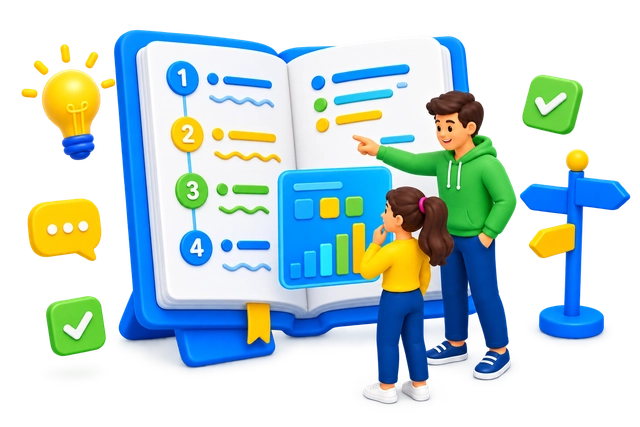
Every screen of the toyCRM App is explained task by task, from orders and inventory to customers, calendar and administration, with real screenshots of what you see.
API reference
The toyCRM API lets your own systems read and write orders, inventory and customers, and the reference covers authentication, every endpoint and working examples.
Integration guides
Google Calendar, QuickBooks and the tools you already use connect to toyCRM through one guided setup each, with the checks that confirm everything is in sync.
Onboarding paths
A guided route for your first day, first week and first month makes a new team member productive fast, without pulling a colleague away from their work.
Support one click away
Every article ends with a direct line to our support team, who can look at your account with you when a guide is not enough.
Always current
The documentation is updated with every toyCRM release, and each article shows when it was last updated, so what you read matches what you see.
Help that meets you where you are
- Open the help center from inside the App, right where the question comes up.
- Read guides written from the real screens, with authentic screenshots, never mock-ups.
- Work in your own language: the help center is translated language by language, like the App.
- Reach a person who knows toyCRM, one click from every article.
Documentation is part of every toyCRM subscription
Every toyCRM customer opens the full help center from inside the App, with no separate account and no extra cost. Not a customer yet? Ask for a demo and see the App and its documentation side by side.
Sign in to the toyCRM App
Your existing App login is all the help center needs.
Open Help from any screen
The help center opens on the topic that matches where you are in the App.
Follow the steps
Each guide walks you through the screen step by step, with screenshots of every stage.
What are you waiting for? Get started today.
Take Your Rental Management to the Next Level.